Get image
The position of the cameras and the design of the cabinet affect how much of the package is captured in the frame. Filming and software processing were considered together.

The customer needed the ability to check availability and display between visits to retail outlets. This task was associated with cameras inside a retail cabinet: the image was supposed to tell which products were left in their places.
The illustration shows the operator matching found items with a shelf image.
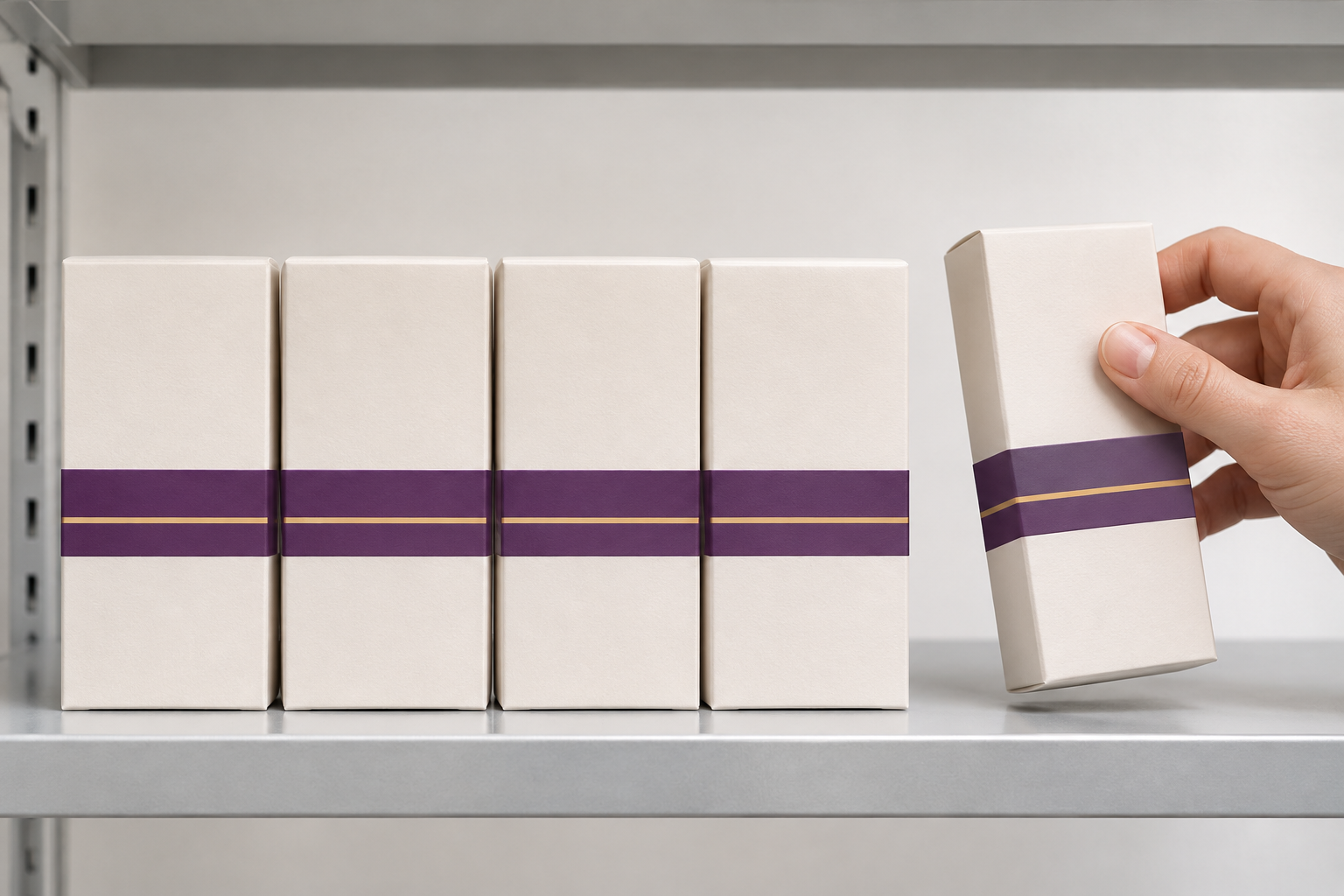
Each frame belongs to a separate package. The item in hand is off the shelf and is not included in this bill.
24product types
in the trained model
For testing, we collected the entire path: sales cabinet cameras, recognition and web interface. The customer saw how the photo reached the screen and turned into a result that could be compared with the shelf itself.
Rearranging the packages revealed a weak point: the model made errors in recognition and quantity. The next work is related to the quality of the model so that the test can withstand layout changes.
The position of the cameras and the design of the cabinet affect how much of the package is captured in the frame. Filming and software processing were considered together.
The model determines the product item by frame. Rearrangement and partial overlap of packages influenced the result.
Linked processing to the web interface: on one screen you can compare a picture of a shelf and the recognition result.
Let's discuss the initial data and the result that needs to be obtained.